
All services

Displays

Display Products & Solutions

Interactive panels and design displays that command attention.

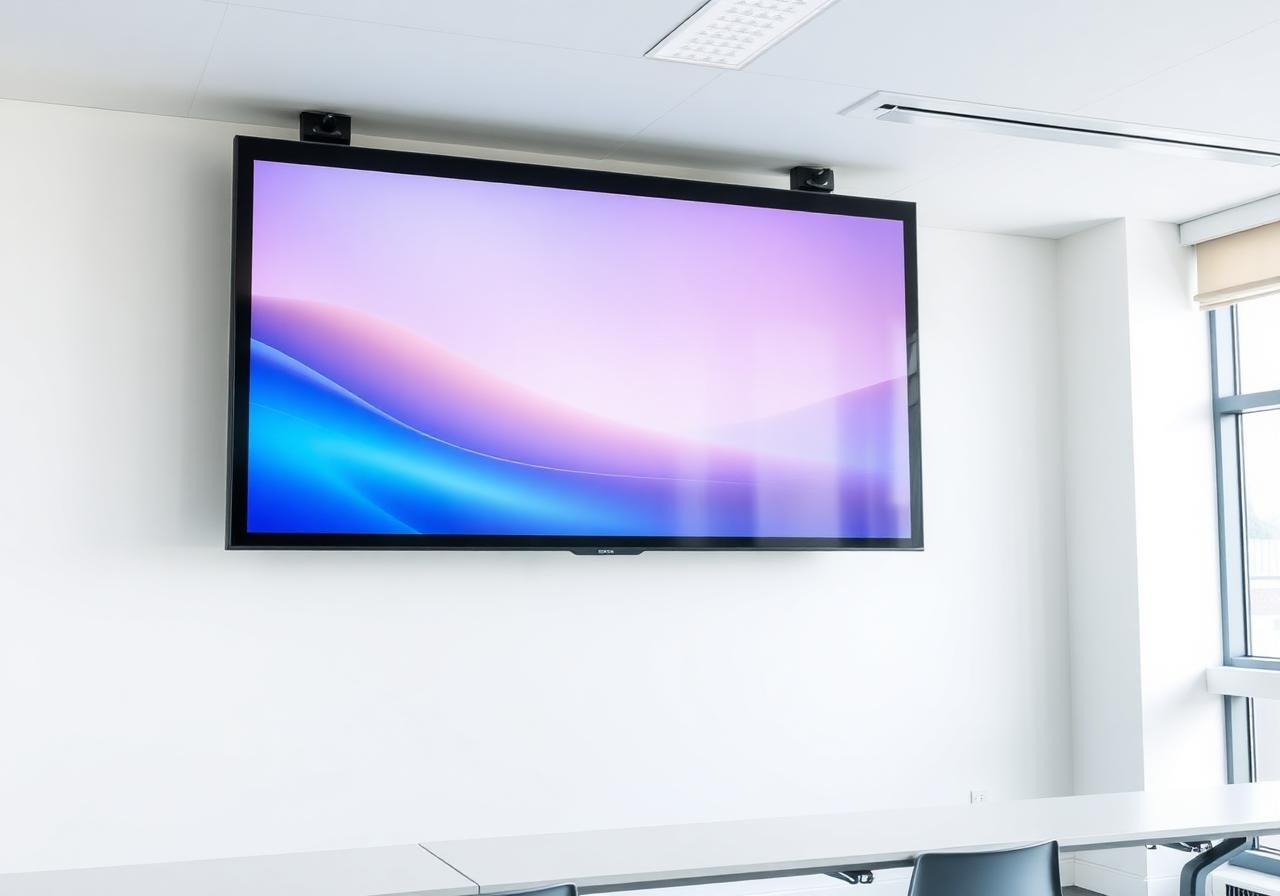
Display systems work best when hardware, mounting, content management, cabling and daily operation are designed together from the beginning.

Display Products & Solutions

What's included

  • Interactive flat panel displays (65" - 98")
  • Floor-standee kiosks for schools & showrooms
  • Design-led video walls for hospitality
  • Digital signage with content management
  • Wall mounts, brackets & on-site commissioning

Ideal for

  • Schools, colleges & training rooms
  • Showrooms & retail stores
  • Hotels, restaurants & lobbies
  • Corporate meeting rooms

Brand partners

SamsungLGBenQViewSonicPrometheanHikvision

Buying clarity

Questions worth answering before a quotation.

Is the display for teaching, signage, meetings, retail conversion or guest experience?

Who will manage content and how often will it change?

Does the room need touch, screen sharing, audio or camera integration?

What wall, stand, power and network provision is available?

Site survey

What we check before design starts.

A good survey keeps the final BOQ grounded in your actual site instead of a generic product list.

  • Viewing distance, glare and mounting surface
  • Power, data and concealed cable routes
  • Content source, CMS and user workflow
  • Audio, camera and input device needs

Delivery method

How the work moves from brief to handover.

Step 1

Site survey

We map existing infrastructure, user flow, risk points, cable paths and future expansion needs before recommending hardware.

Step 2

Design and BOQ

You receive a practical design, itemised BOQ and clear scope boundaries so purchase and execution decisions are easier.

Step 3

Installation and testing

Our team installs, labels, tests and tunes the system on site, then resolves snags before handover.

Step 4

Training and support

We train your team on daily use, escalation and basic checks, then support the system through AMC or call-based service.

Handover

What you receive after commissioning.

  • Display and mount schedule
  • Source/input map
  • CMS or software access notes
  • User operating guide

AMC support

How we keep the system healthy.

  • Display health and firmware checks
  • Mount and cable inspection
  • Content playback support
  • User training after staff changes

Avoidable mistakes

Where projects usually go wrong.

  • Buying by screen size without checking viewing distance
  • Ignoring glare and mounting height
  • Leaving content management unresolved